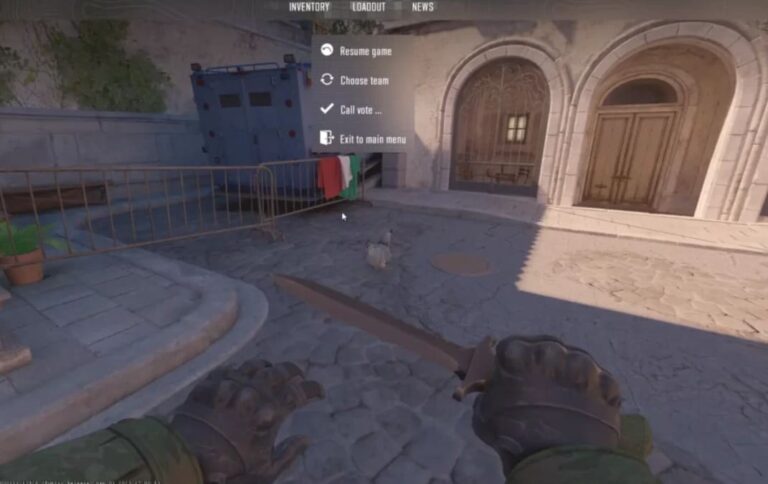
Steam’s trading system enables users to exchange in-game items between accounts.
The how to trade skins on steam process involves specific protocols, authentication requirements, and platform-defined transaction parameters.
This documentation outlines Steam trading mechanics using Counter-Strike 2 (CS2) skins as the primary reference case.
The following sections detail account setup requirements, transaction procedures, and risk factors.
Trading mechanics remain consistent across Steam-supported games.
CS2 serves as the documentation example due to its established skin economy and transaction volume.
How to Trade Skins on Steam in 2026?
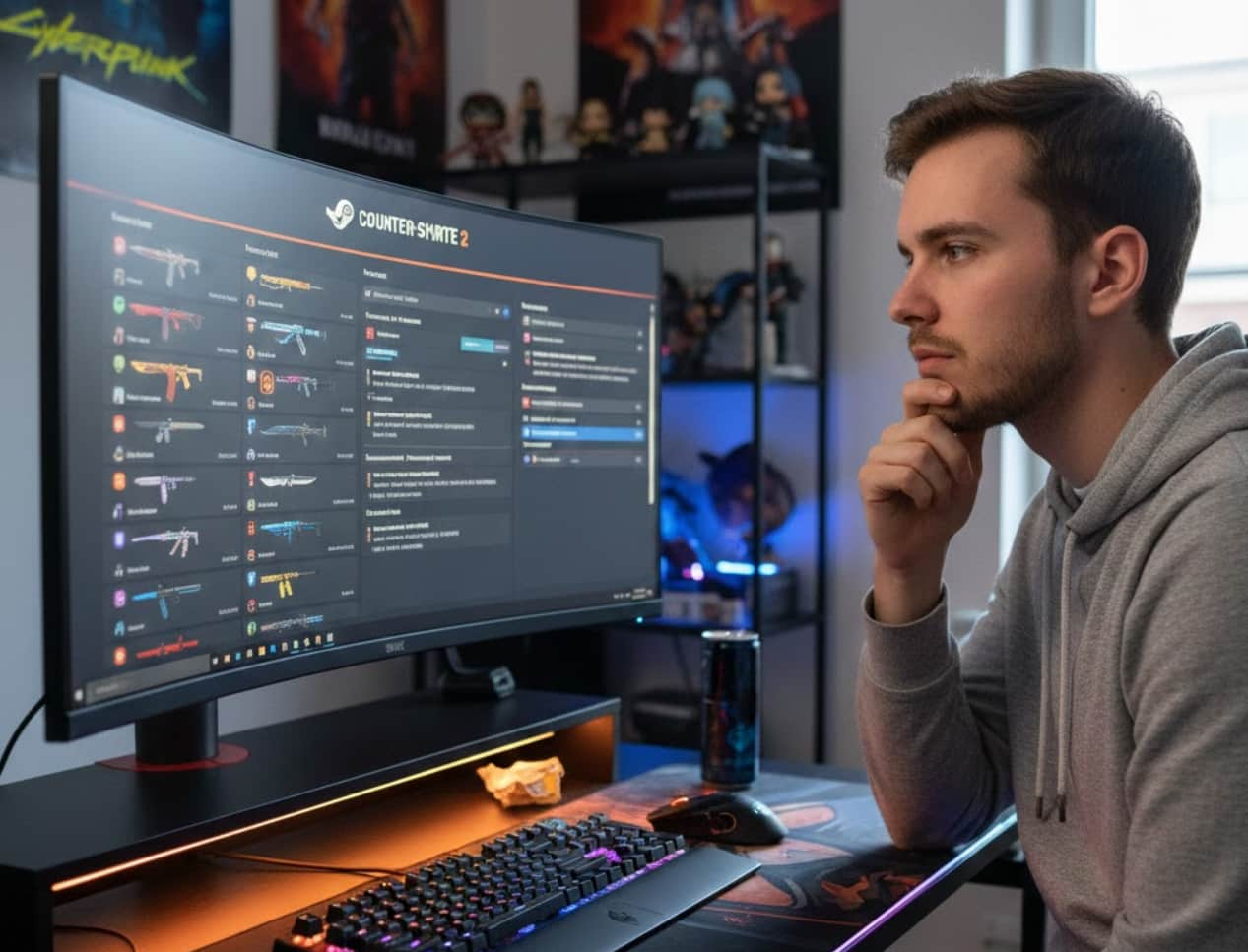
Understanding the CS2 Skin Economy
CS2 skins function as cosmetic weapon coverings that do not affect gameplay mechanics.
These items exist as tradable digital assets within Steam’s inventory system.
Each skin contains multiple value-determining attributes. Rarity classifications range from Consumer Grade to Covert.
Wear conditions span Factory New, Minimal Wear, Field-Tested, Well-Worn, and Battle-Scarred.
Float values measure wear levels numerically on a 0.00 to 1.00 scale.
Lower float numbers indicate better condition within each wear category.
Additional attributes include StatTrak counters and applied stickers.
| Skin Factor | What It Affects | Value Impact |
|---|---|---|
| Rarity Classification | Drop frequency and availability | Higher rarity increases base value |
| Wear Condition | Visual appearance quality | Factory New commands premium pricing |
| Float Value | Specific wear level within the condition | Lower floats increase value within the wear tier |
| StatTrak Technology | Kill counter functionality | Adds 50-100% value premium |
| Applied Stickers | Cosmetic customization | Variable based on sticker rarity and position |
Market values fluctuate based on supply availability and demand cycles. Game updates, competitive tournament usage, and content creator attention influence pricing trends.
Why Trade CS2 Skins?
- Inventory Management: Users exchange duplicate items or unwanted skins for different cosmetics. Trading enables inventory optimization without monetary transactions through Steam Wallet.
- Value Exchange: Multiple lower-value items can combine in trades for a single higher-value skin. This mechanism allows inventory consolidation toward specific collection goals.
- Collection Logic: Traders acquire specific skins to complete themed weapon loadouts or rarity sets. Collection building occurs through targeted exchanges rather than randomized case openings.
How to Trade Skins on Steam Safely? [Step-by-Step]
Steam trading requires specific account configurations and security measures. The how to trade skins on Steam in 2026 follows standardized protocols.
| Step | Action | Purpose |
|---|---|---|
| 1 | Verify the Steam account has Steam Guard enabled for 15+ days | Security requirements for trade functionality |
| 2 | Navigate to Profile > Inventory > Trade Offers > Who can send me Trade Offers | Configure trade URL and privacy settings |
| 3 | Set trade offer privacy to “Friends Only” or “Public” | Determines who can initiate trade offers |
| 4 | Generate trade URL if accepting non-friend trades | Enables trade offer steam access from non-friends |
| 5 | Install Steam Mobile Authenticator on a smartphone | Required for trade confirmations |
| 6 | Initiate trade by selecting a recipient from the friends list or using the trade URL | Opens the trade window interface |
| 7 | Add items from your inventory to the “Your Trade” section | Specifies items you will send |
| 8 | View items partner adds to “Their Trade” section | Review items you will receive |
| 9 | Review the trade summary and click “Make Trade” | Submits trade offer for partner acceptance |
| 10 | Confirm trade through Steam Mobile Authenticator within the time limit | Finalizes the transaction after both parties confirm |
- Friends Trading vs Non-Friends Trading: Friend-based trades require mutual friend status on Steam. Non-friend trades require the recipient’s trade URL but follow identical confirmation procedures.
- Mobile Confirmation Requirements: How to trade on Steam mobile involves identical steps but requires the Steam mobile app for both browsing and authentication. Desktop-initiated trades still require mobile confirmation.
- Trade Hold Periods: Accounts without Steam Guard Mobile Authenticator face 15-day trade holds. Items remain in original inventory until the hold period expires.
How to Trade CS2 Skins and Make a Profit in 2026?
Profitable trading requires market analysis and timing awareness. The how to trade skins on Steam in 2026 for profit involves systematic approaches rather than speculative methods.
Market Timing Analysis: Price fluctuations occur around game updates, case releases, and competitive events. Items typically decrease in value immediately after case releases due to supply increases.
Demand cycles correspond with professional tournament schedules. Skins used by prominent players experience temporary price increases during major competitions.
Float Value Awareness: Lower float values within each wear condition command premium pricing. Factory New skins with 0.00x floats significantly exceed standard Factory New pricing.
| Trading Strategy | Process | Risk Level |
|---|---|---|
| Post-Case Release Acquisition | Purchase newly released skins during the initial supply surge | Medium – requires price recovery |
| Pre-Tournament Trading | Acquire skins before major competitions | Medium – depends on player weapon choices |
| Float-Based Arbitrage | Identify underpriced low-float items | Low – requires market knowledge |
| Collection Set Completion | Acquire full case collections for resale | High – requires significant capital |
Demand Cycle Recognition: High-demand skins maintain stable pricing across market fluctuations. AWP, AK-47, and M4A4 skins consistently exceed other weapon types in value retention.
Discontinued cases and older collections appreciate gradually as supply decreases. These items require extended holding periods before value increases materialize.
Pitches to Failure: What Not to Do?
Several trading behaviors increase the risk of value loss or account complications:
- Overpricing Items: Traders who set prices significantly above market rates experience extended listing periods. Cross-reference multiple price tracking sources before establishing values.
- Off-Platform Trade Execution: Trades conducted outside Steam’s official system lack platform protection mechanisms. Third-party site trades involve additional security considerations and potential account restrictions.
- Emotional Trading Decisions: Panic selling during market downturns results in unnecessary value loss. Market corrections typically reverse within 2-4 week periods unless caused by permanent game changes.
| Risk Behavior | Consequence | Mitigation Method |
|---|---|---|
| Accepting unsolicited trade offers | Potential scam attempts or unfavorable trades | Only process expected trades from known parties |
| Trading without a mobile authenticator | 15-day trade holds delay transactions | Enable Steam Guard Mobile before trading |
| Ignoring float value verification | Receiving higher-wear items than expected | Inspect items in-game before accepting |
| Trading immediately after purchases | 7-day trade lock on market purchases | Plan trades around cooldown periods |
Trade URL Security: Public trade URLs enable anyone to send offers. Regular URL regeneration prevents unwanted offer accumulation from distributed links.
Conclusion:
The how to trade skins on Steam requires a systematic approach and protocol adherence.
Essential components include:
- Account configuration with Steam Guard Mobile Authenticator enabled
- Understanding of skin valuation factors, including rarity, float, and demand
- Execution of trades through the official Steam trade interface only
- Mobile confirmation completion within platform-specified timeframes
- Market analysis before establishing trade values or accepting offers
- Risk awareness regarding hold periods, scam attempts, and pricing errors
Trading mechanics remain consistent across Steam’s supported titles.
CS2 skin trading exemplifies the standard process applicable to other game economies within the platform.
Also Check:
About the Author