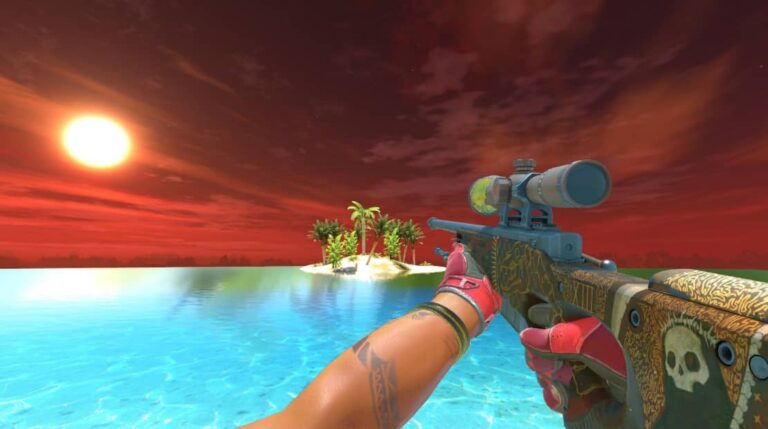
If you’ve been playing Counter-Strike 2 and found yourself clicking twice just to zoom in and out with the AWP, you’re not alone.
The game uses toggle zoom as its default setting, which means one click zooms in, and another click zooms out.
For many players coming from other shooters, this feels sluggish and unresponsive.
The good news? You can switch to hold-to-scope mode, where the weapon zooms in only while you’re pressing the button.
It’s faster, more intuitive, and gives you better control during intense moments.
Let’s break down exactly how to make this change and why it might improve your gameplay.
How to Hold Instead of Toggle Scope in CS2?
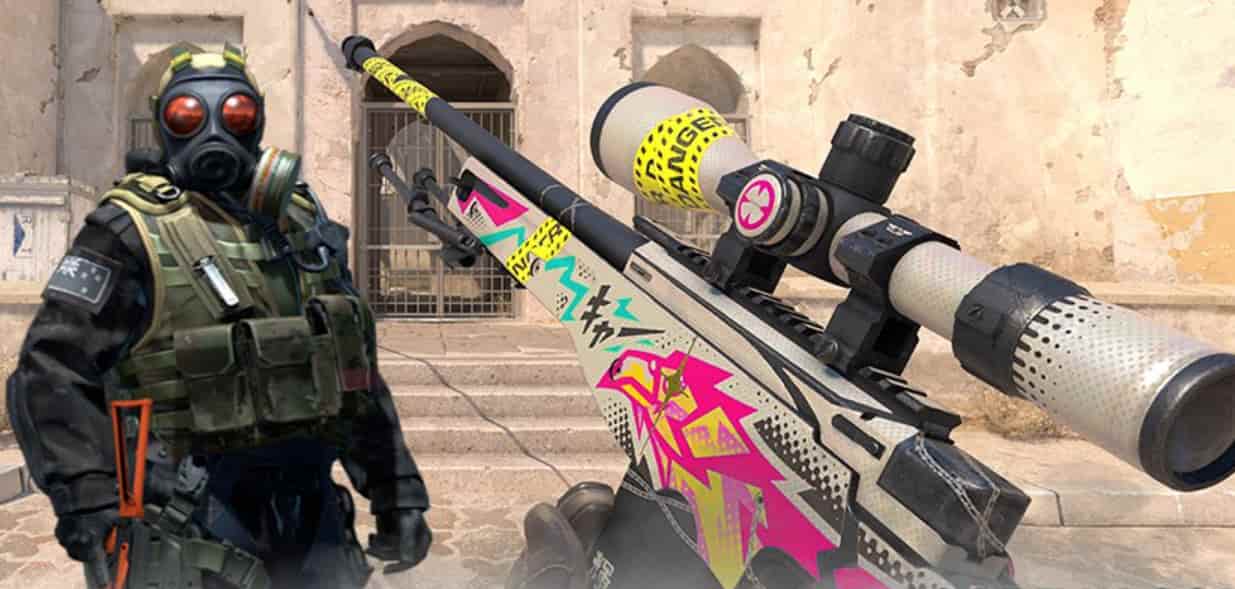
Understanding Toggle vs Hold Scope
Toggle scope requires two separate clicks: one to enter zoom mode and another to exit it.
This works fine when you’re holding a defensive position with an AWP, watching a chokepoint without much movement.
You zoom in, wait for the enemy, take your shot, and manually zoom out.
Hold scope works differently.
You press and hold the zoom button to enter scope mode, and the moment you release it, you’re back to normal view.
There’s no second click needed.
This makes repositioning quicker and gives you instant situational awareness after firing a shot.
For aggressive AWPers or players who like to peek angles quickly, hold scope eliminates that split-second delay.
You don’t have to think about unscoping—it happens automatically when you let go of the button.
How to Change Toggle to Hold in CS2
The simplest way to enable hold scope is through the game’s built-in settings menu.
CS2 includes a dedicated option for this, so you won’t need to mess with console commands if you don’t want to.
Here’s how to do it:
- Launch CS2 and press ESC to open the main menu
- Click on Settings
- Navigate to the Keyboard / Mouse section
- Scroll down until you find “Zoom Button Hold”
- Toggle it to Enabled
Once enabled, your scoped weapons will only zoom while you hold the button.
Release it, and you’ll instantly return to normal view. The change takes effect immediately, so you can test it right away in a match or practice mode.
Using Console Commands for Hold Scope
Some players prefer working with console variables, especially if they already manage their game settings through config files.
CS2 allows you to control zoom behavior through a console command as well.
First, make sure your developer console is enabled:
- Go to Settings → Game
- Enable Developer Console (~)
Once that’s done, press the ~ key during gameplay to open the console. Then enter this command:
cl_debounce_zoom 0This disables the toggle function and switches to hold mode immediately. If you want to revert back to toggle zoom, simply use:
cl_debounce_zoom 1The console method gives you more control and is useful if you’re already comfortable tweaking CS2’s settings manually.
Saving Your Scope Settings Permanently
Console commands can sometimes reset after closing the game, which means you’d have to re-enter them every session.
To avoid this hassle, add the command to your autoexec.cfg file.
The autoexec file runs automatically whenever CS2 launches, ensuring your preferred settings stay active.
Here’s what you need to do:
- Locate or create your autoexec.cfg file in the CS2 config folder
- Open it with a text editor
- Add this line:
cl_debounce_zoom 0 - Save the file
Now your hold scope setting will load every time you start the game.
Many competitive players use this method because it guarantees consistency across sessions.
Which Weapons Use Scopes in CS2?
Not every weapon in CS2 has a scope, so this setting only affects a specific group of guns. Understanding which weapons benefit from a hold scope helps you decide if the change is worth making.
| Weapon | Type | Zoom Levels | Best Use Case |
|---|---|---|---|
| AWP | Sniper Rifle | 2x zoom levels | Long-range picks, holding angles |
| SSG 08 (Scout) | Sniper Rifle | 2x zoom levels | Mobile sniping, aggressive peeks |
| AUG | Assault Rifle | Single zoom level | Mid-range combat with an optional scope |
| SG 553 | Assault Rifle | Single zoom level | Accurate spraying at medium distance |
The AWP and Scout benefit most from a hold scope because players frequently zoom in and out while repositioning.
The AUG and SG 553 have optional scopes, so the setting applies only when you choose to use their zoom functionality.
When Hold Scope Actually Helps
Hold scope isn’t just about personal preference—it genuinely impacts how quickly you can react in certain situations.
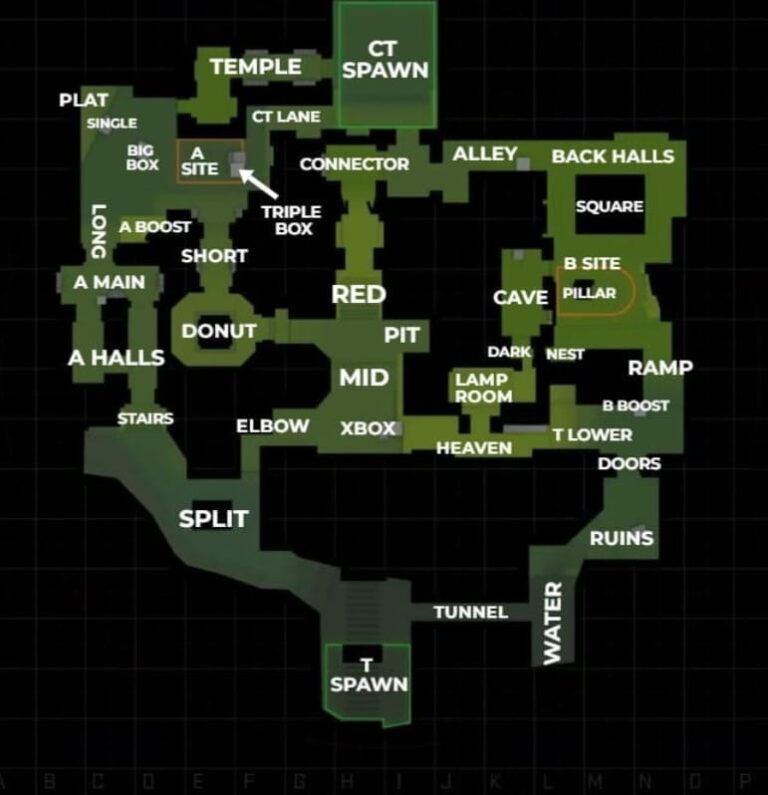
If you’re playing aggressively with the AWP on Dust 2’s mid doors, you want to peek, shoot, and unscope instantly.
With toggle zoom, there’s an extra click and a brief mental delay before you’re back in motion.
Hold scope shines in these scenarios:
- Quick peeks: You can scope in, check an angle, and release without additional input
- Post-shot movement: After firing, you’re immediately unscoped and ready to reposition
- Close-range panic situations: You can unscope faster if an enemy pushes you unexpectedly
- Flick shots: Muscle memory becomes cleaner when scoping and unscoping happen in one fluid motion
On the flip side, toggle zoom works better for patient, defensive play.
If you’re holding Mirage’s A site with an AWP, scoped in for 10+ seconds watching palace, you don’t want to hold the button the entire time.
Expert Insight: Muscle Memory Matters More Than Method
The debate between toggle and hold isn’t about which one is objectively better—it’s about what fits your playstyle and what your hands are used to.
Professional players use both settings depending on their background and comfort.
If you’ve played games like Call of Duty, Valorant, or Battlefield, hold scope will feel natural because those games use it as standard.
If you’ve only played Counter-Strike, toggle might already be ingrained in your muscle memory.
The key is consistency. Switching back and forth disrupts your instincts.
Pick one, commit to it, and give yourself at least a few hours of gameplay to adjust before deciding if it’s right for you.
How to Scope in CS2: Basic Controls
For new players, understanding the basic scope mechanics is essential before tweaking settings.
By default, you scope in using the right mouse button on scoped weapons. Each weapon has its own zoom behavior:
- AWP and Scout: First click zooms in 2x, second click zooms in further (second level), third click returns to normal
- AUG and SG 553: One zoom level only, click once to scope, click again to unscope
Once you enable hold scope, this changes to: press and hold the right mouse button to zoom, release to unscope.
The multi-level zoom on the AWP and Scout still works—you just have to tap the button instead of clicking multiple times.
CS2 Scope Crosshair and Thickness Settings
Beyond toggle vs hold, you might want to customize how your scope actually looks.
CS2 allows you to adjust the scope crosshair thickness and color, which can help with visibility on different maps.
To adjust scope settings:
- Open Settings → Game
- Look for Sniper Scope Crosshair Thickness
- Adjust the slider to your preference
Thinner crosshairs offer precision but can be harder to see.
Thicker crosshairs are easier to track but might obscure small targets.
Most players keep it at default or slightly thinner for better accuracy.
Some players also change the scope color through console commands, though this requires additional config tweaking and isn’t officially supported through the settings menu.
Frequently Asked Questions
- Can I use hold scope on some weapons and toggle on others?
No, the setting applies to all scoped weapons in CS2. It’s a global preference, so you can’t mix and match per weapon.
- Does hold scope affect my accuracy?
Not at all. It only changes how you zoom in and out. Your accuracy, recoil, and movement penalties remain identical.
- Will switching to hold scope reset my other settings?
No. Changing the zoom mode doesn’t affect any other game settings, keybinds, or configurations.
- Can I bind hold scope to a different button?
Yes, you can rebind the zoom function in the keyboard settings to any key you prefer, and the hold behavior will follow that binding.
- Do professional players use hold or toggle scope?
Both. It’s split fairly evenly among pros, with preference often based on what they used in CS:GO or other games before CS2.
Final Thoughts
Switching to hold scope in Counter-Strike 2 is a small adjustment that can make scoped weapons feel significantly more responsive.
Whether you’re an aggressive AWPer who loves quick peeks or a Scout player who values mobility, hold scope removes an unnecessary input step and lets you focus on aim and positioning.
The change is reversible, easy to implement, and takes just a few seconds through the settings menu or console.
If you’ve felt frustrated by the default toggle behavior, trying hold scope might be exactly what your gameplay needs.
Give it a session or two, and you’ll quickly know if it’s the right fit for your style.
Also Check:
About the Author