Erik “fl0m” Flom stands among North America’s most recognizable Counter-Strike faces.
The former Luminosity Gaming pro turned full-time streamer brings thousands of viewers daily into his world of headshots and tactical plays.
His Mythic squad keeps him sharp in competitive play. Fans constantly ask about his setup. What makes fl0m so consistent? His settings play a bigger role than you’d think.
Let’s break down every detail of fl0m’s CS2 configuration.
Fl0m CS2 Settings
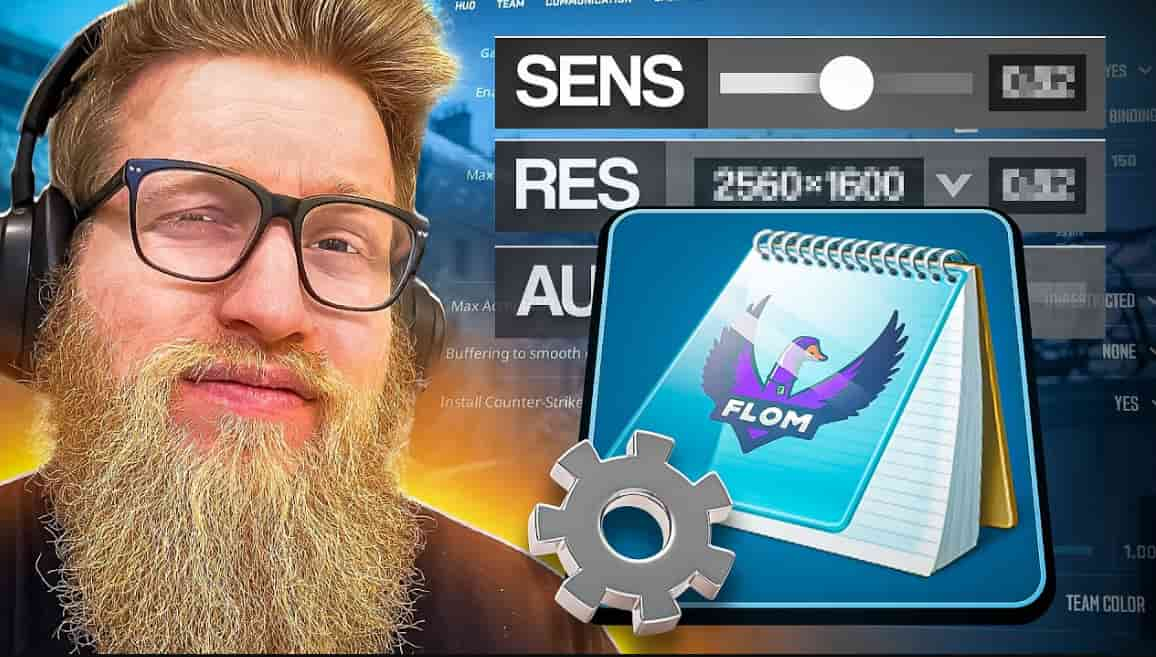
Fl0m CS2 Settings
Quick Summary Box
Player: Erik “fl0m” Flom
Age: 33 years old
Current Team: Mythic
Stream Platform: Twitch
Notable For: High eDPI (1200), 4:3 stretched gameplay
Primary Role: Content creator and competitive player
Key Highlights
- fl0m uses an unusually high eDPI of 1200 compared to most pros
- His 4:3 stretched resolution helps with streaming clarity
- Classic static crosshair with green coloring
- SteelSeries ecosystem for all peripherals
- Default viewmodel settings for consistency
fl0m CS2 Mouse Settings Breakdown
Most professional players hover around 800-1000 eDPI. fl0m breaks that mold completely.
His 1200 eDPI gives him faster rotation speed. This suits his aggressive playstyle perfectly. The SteelSeries Prime Wireless delivers the precision he needs.
| Setting | Value |
|---|---|
| Mouse | SteelSeries Prime Wireless |
| DPI | 800 |
| Sensitivity | 1.50 |
| eDPI | 1200 |
| Zoom Sensitivity | 1.00 |
| Polling Rate (Hz) | 1000 |
| Windows Sensitivity | 6 |
The higher sensitivity lets fl0m flick faster. It demands exceptional mouse control. Newer players should start lower and work up gradually.
Flom CS2 Crosshair Configuration
Finding your perfect crosshair takes experimentation. fl0m’s CS2 crosshair uses a classic static design with minimal distraction.
Flom CS2 Crosshair Code:
CSGO-8p2CH-CwUwH-yyHEA-SAORC-3dKTK
Copy that code directly into your game. You’ll get his exact setup instantly.
| Crosshair Element | Setting |
|---|---|
| Style | Classic Static |
| Follow Recoil | No |
| Center Dot | No |
| Length | 4 |
| Thickness | 1 |
| Gap | 0 |
| Outline | No |
| Color | Green |
| Alpha | 255 |
The green color stands out on most maps. Zero gap between lines creates a tight aiming point. This crosshair rewards precision over spray control.
Viewmodel and HUD Setup
fl0m sticks with default viewmodel settings. Many pros do the same.
Viewmodel Commands:
viewmodel_fov 68; viewmodel_offset_x 2.5; viewmodel_offset_y 1; viewmodel_offset_z -1.5; viewmodel_presetpos 0;
- FOV: 68
- Offset X: 2.5
- Offset Y: 1
- Offset Z: -1.5
- Presetpos: 0
Standard positioning keeps weapon models unobtrusive. It doesn’t block critical screen space during firefights.
Video Settings Deep Dive
Here’s where fl0m’s streamer side shows. His resolution choice prioritizes viewer experience.
| Video Setting | fl0m’s Choice |
|---|---|
| Resolution | 1920×1440 |
| Aspect Ratio | 4:3 |
| Scaling Mode | Stretched |
| Brightness | 130% |
| Display Mode | Fullscreen |
| Boost Player Contrast | Enabled |
| V-Sync | Disabled |
| NVIDIA Reflex | Disabled |
The 1920×1440 resolution in 4:3 stretched gives crisp stream quality. Player models appear wider, easier to spot. It’s unconventional but effective for content creation.
Advanced Graphics Settings
fl0m balances visual clarity with performance:
- Anti-Aliasing: 4x MSAA
- Shadow Quality: High
- Model Detail: High
- Texture Filtering: Anisotropic 4x
- Shader Detail: High
- Ambient Occlusion: Medium
- HDR: Quality
- FSR: Disabled
These settings demand solid hardware. The fl0m monitor he uses is the GIGABYTE M27Q X, which handles high framerates smoothly.
Complete Gear and Equipment List
fl0m builds his setup entirely around SteelSeries products. Brand loyalty meets performance needs.
| Equipment Type | Model |
|---|---|
| Mouse | SteelSeries Prime Wireless |
| Mousepad | SteelSeries QcK Heavy |
| Monitor | GIGABYTE M27Q X |
| Keyboard | SteelSeries Apex Pro TKL Gen 3 Black |
| Headset | SteelSeries Arctis Nova Pro |
The QcK Heavy mousepad offers consistent glide. The Apex Pro TKL features adjustable actuation points. Every piece serves a purpose.
For those searching “flom CS2 steam,” you can find his profile through his Twitch channel links.
Expert Analysis: Why These Settings Work
fl0m’s configuration reflects his dual identity. He’s both entertainer and competitor.
The high eDPI suits fast-paced streaming content. Viewers want action, and quick movements deliver that. His crosshair stays simple because complex designs distract during long sessions.
Resolution choice matters for stream quality. While 16:9 native might give competitive edges, 4:3 stretched looks better on broadcasts. The wider player models help newer viewers follow action easier.
Contrast boosting helps in darker map corners. High shadows reveal enemy positions better than low settings. These aren’t just random picks.
Compare this to other players:
- Cooper CS2 settings favor lower sensitivity and native resolution
- Ropz CS2 settings use minimal graphics for maximum frames
- Siuhy CS2 settings emphasize 16:9 competitive advantage
- N0thing CS2 settings blend old-school preferences with modern tech
fl0m sits somewhere between pure competition and entertainment value.
Comparing fl0m to Other NA Pros
North American players show diverse preferences. fl0m’s 1200 eDPI stands out immediately.
| Player | eDPI | Resolution | Crosshair Style |
|---|---|---|---|
| fl0m | 1200 | 1920×1440 (4:3) | Classic Static |
| n0thing | 880 | 1280×960 (4:3) | Classic Dynamic |
| cooper | 960 | 1920×1080 (16:9) | Classic Static |
| Average Pro | 880 | Various | Various |
Most pros cluster around 800-900 eDPI. fl0m’s higher sens requires excellent muscle memory. It’s not recommended for beginners.
His streaming focus also explains graphic settings. Pure competitors often run everything on low for max FPS. fl0m balances visuals with performance.
Practical Takeaways for Your Setup
Should you copy fl0m’s settings exactly? Probably not.
Start with his crosshair. It’s simple and works across skill levels. The green color provides good visibility.
Mouse settings need personal adjustment. If you’re new, try 800 eDPI first. Gradually increase only if you feel limited.
Resolution depends on your monitor and PC. The 4:3 stretched look isn’t for everyone. Try it, but don’t force it.
Graphics settings scale with your hardware. Copy the concept, not exact values. Prioritize stable framerates over visual fidelity.
Key lessons:
- Simple crosshairs reduce distraction
- Sensitivity should match your natural aim style
- Graphics serve your goals (streaming vs pure competition)
- Consistency matters more than copying pros
- Test changes in deathmatch before ranked games
Want specifics on fl0m height? He’s approximately 5’11” (180 cm), though this doesn’t affect gameplay.
Frequently Asked Questions
- What is fl0m’s real name?
fl0m’s real name is Erik Flom. He’s been using the fl0m tag since his early competitive days.
- How old is fl0m?
fl0m was born September 14, 1992. That makes him 33 years old in 2026. He’s among the older active NA players.
- What sensitivity does fl0m use in CS2?
fl0m uses 800 DPI with 1.5 in-game sensitivity. This creates an eDPI of 1200, which is higher than most professional players prefer.
- What is fl0m’s CS2 crosshair code?
fl0m’s current crosshair code is CSGO-8p2CH-CwUwH-yyHEA-SAORC-3dKTK. Copy it into your console to use his exact crosshair settings.
- Does fl0m stream on Twitch?
Yes, fl0m streams Counter-Strike 2 regularly on Twitch. He’s one of the platform’s most consistent CS2 streamers with a loyal viewer base.
Final Thoughts
fl0m’s CS2 settings reflect years of refinement. They suit his unique position as streamer-competitor.
The high sensitivity enables flashy plays viewers love. His resolution choice prioritizes stream quality. Graphics settings balance performance with visual appeal.
You don’t need to copy everything. Take what fits your playstyle. The crosshair and general approach translate well across skill levels.
Test changes methodically. Give each adjustment time before switching again. Settings alone won’t make you fl0m, but understanding why he chose them will improve your game sense.
Start with one element. Master it. Then move to the next.
Also Check:
- All CS2 Ancient Callouts Explained
- Cheapest Knife Skins in CS2
- CS2 Weekly Drop Reset 2026
- Best Green Gloves CS:GO/CS2
About the Author